EcoGuide · Heat Pumps · Published 2026-10-01 · 1,400 words
Heat Pump Heating Instead of Cooling? How to Fix the O/B Setting
The Short Answer
A heat pump uses one part, the reversing valve, to switch between heating and cooling. The thermostat drives that valve through the O/B wire, and it has to know whether your heat pump expects the signal in cooling (O) or in heating (B). Get that setting backwards and everything flips: ecobee says “you’ll receive heat when calling for air conditioning, and you’ll receive air conditioning when calling for heat”.
So if the problem started right after a new thermostat went in, the O/B setting is the first suspect. If the thermostat has not changed and only cooling has stopped working, it is more likely the equipment.
| What you see | Likely cause | What to do |
|---|---|---|
| Warm air in Cool and cool air in Heat, since a new thermostat | O/B setting reversed | Switch the setting (below) |
| Warm air in Cool only; heating works; nothing changed | Reversing valve stuck, refrigerant or airflow problem | Basic checks, then a technician |
| Burst of cool air at the end of a heating cycle, or a loud whoosh when a cycle ends | Valve activation setting (seasonal vs cyclical) | Change the activation setting |
| A few minutes of cool air in winter, steam from the outdoor unit | Normal defrost | Nothing; see heat pump blowing cold air |
Which setting is more common? ecobee notes that “most Heat Pump Systems energize the O/B Reversing Valve on the ON COOL setting”. Google says the Nest thermostat “defaults to an O setting for heat pumps”, and Honeywell’s FocusPro installer setup also defaults to O (O/B in Cool). Your heat pump’s manual or wiring diagram is the final word.
Step 1: Confirm Both Modes Are Reversed
Run each mode on its own for a couple of minutes and check the air at a supply vent. Most smart thermostats have a test mode for this. On an ecobee, ecobee’s test steps are:
- Go to Main Menu → General → Settings → Installation Settings → Test Equipment and tap OK (on the Smart Thermostat Lite and Essential, Main Menu → Settings → Installation Settings → Test Equipment).
- Select Heat Pump Cool Stage 1 and run it for about 2 minutes, or until warm or cool air comes out.
- Repeat with Heat Pump Heat Stage 1.
If Cool gives warm air and Heat gives cool air, the setting is reversed: go to Step 2. If heating works but cooling does not, the setting is probably fine; skip to the last section. An infrared thermometer pointed at the vent takes the guesswork out of “is this air warm or cool?”
Step 2: Switch the O/B Setting
- ecobee: Main Menu → General → Settings → Installation Settings → Equipment → Heat Pump, then switch O/B Reversing Valve to the opposite setting (Lite and Essential: Main Menu → Settings → Installation Settings → Equipment → Heat Pump). Source: ecobee.
- Nest Learning Thermostat (4th gen) and Nest Thermostat: in the Google Home app, open the thermostat, then Settings → Thermostat, and in the Heat pump section switch O to B or B to O. Source: Google Nest Help.
- Nest Learning Thermostat (3rd gen or earlier) and Thermostat E: on the thermostat, Settings → Equipment → Continue → Continue, select Heat Pump and switch O to B or B to O.
- Honeywell: the reversing valve is an installer setup option. On FocusPro models it is ISU 2060: 0 = O (O/B in Cool), 1 = B (O/B in Heat). Other Honeywell models label it similarly; check the installer setup section of your thermostat’s manual.
Then repeat the test from Step 1. Both modes should now blow the right air.
Step 3: If Switching Did Not Fix It, Check the Wiring and Setup
ecobee says heat instead of cooling after an install can come from “incorrect wiring or an incorrect configuration”. Two things to check:
- Set up as the wrong system type. If the thermostat was configured as a conventional furnace-and-AC system when you have a heat pump, correct the wiring, then use Equipment → Reconfigure Equipment so the thermostat knows it controls a heat pump.
- The O/B wire itself. Google’s heat pump troubleshooting suggests checking that the O/B wire is fully inserted in its connector with clean copper showing. A loose wire can look like a wrong setting.
A photo of the old thermostat’s wiring is the most useful thing to have at this point, for you and for support.
The Other Symptom: Cool Air at the End of a Heating Cycle
Some Nest owners see a brief blast of cool air when a heating cycle ends, or hear a loud whoosh at the end of each cycle. Google ties this to how the reversing valve is activated: seasonal activation causes less wear, but some heat pumps require cyclical activation. Google’s reversing valve guide recommends seasonal for most heat pumps and shows where to change it. A gentle whoosh on its own is normal: Carrier says a “gentle, whooshing sound” from the reversing valve is normal operation; only excessively loud or constant noise needs an inspection.
If Only Cooling Fails and the Thermostat Is Fine
Trane’s own checklist for a heat pump that will not cool starts with the basics: thermostat set to Cool with the setpoint below room temperature, fan on Auto, a clean filter and about two feet of clearance around the outdoor unit. Then:
- Stuck reversing valve. If heat works but cooling does not, Trane says the valve may be stuck, and warns: “Don’t try to troubleshoot this issue yourself”, because you could damage the valve and cause a refrigerant leak.
- Low refrigerant. Trane notes the only reason a heat pump runs low is a leak. The U.S. Department of Energy adds that field-charged split systems can end up with too much or too little refrigerant, which cuts performance.
- Frozen indoor coil. Warm air plus ice on the refrigerant lines means turn the system off and call for service.
Those three need a technician with gauges. Tell them you have already ruled out the O/B setting; it saves a visit.
Useful Tool
We may earn a commission if you buy through these links, at no extra cost to you. Products are chosen on published specifications; we do not test them in-house (how we choose).
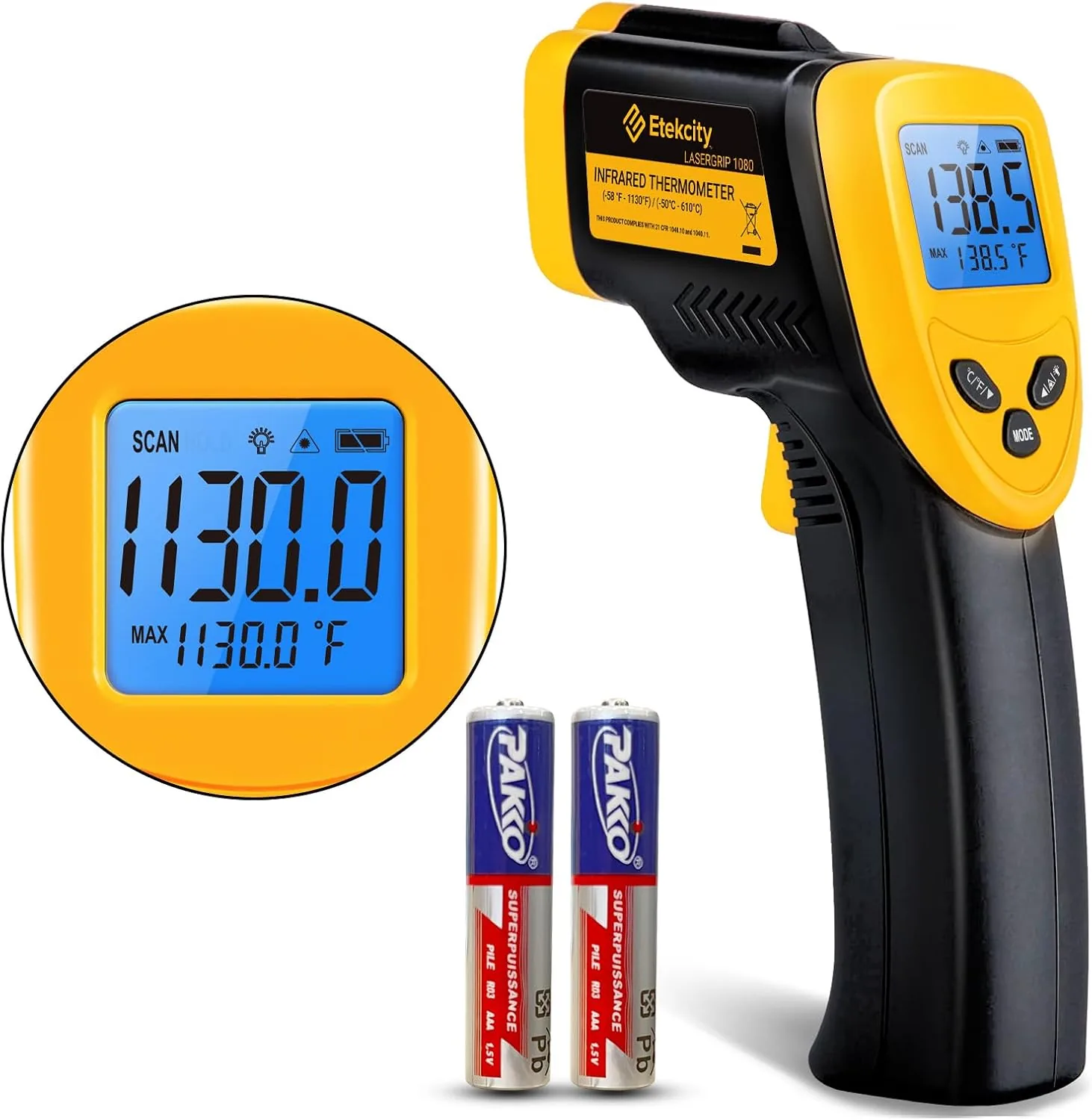
Etekcity Lasergrip Infrared Thermometer
Point it at a supply vent during each test to see at a glance whether the air is warmer or cooler than the room.
View on AmazonFree: Home Energy Audit Checklist (PDF)
A two-page, room-by-room checklist for finding air leaks, standby power and heating and cooling waste yourself, in the order that pays back fastest. Get it now, plus new fix guides by email. Unsubscribe any time.
By signing up you agree to receive emails from EcoHome Intelligence. See our Privacy Policy.
Frequently Asked Questions
Why is my heat pump blowing warm air in cool mode?
If it started after a thermostat swap, the O/B reversing valve setting is probably backwards; switch it and test again. If nothing changed and heating still works, the reversing valve may be stuck or there may be a refrigerant or airflow problem, which needs a technician.
Should my heat pump thermostat be set to O or B?
Most heat pumps energize the reversing valve in cooling, which is the O setting. ecobee says most systems use ON COOL, and Nest and Honeywell FocusPro default to O. Check your heat pump’s manual; if heating and cooling are reversed, switch it.
How do I test if my O/B setting is wrong?
Run cooling and then heating for about 2 minutes each, using the thermostat’s test mode if it has one, and check the air at a vent. If both modes give the opposite air, the setting is reversed.
Is a whooshing sound from my heat pump normal?
A gentle whoosh from the reversing valve is normal, according to Carrier. A loud whoosh at the end of every cycle on a Nest can be the valve activation setting; constant or very loud noise needs an inspection.
Related Guides
- Heat pump blowing cold air — usually defrost, sometimes not
- Heat pump not turning on — the checks before you call
- Best thermostat for a heat pump — models that handle O/B and aux heat well
- Smart thermostat troubleshooting — every fix guide by symptom
Sources
- ecobee: I’m getting heat when calling for air conditioning
- Google Nest Help: Troubleshoot when heating and cooling are reversed
- Google Nest Help: Reversing valve setting
- Google Nest Help: Troubleshoot heat pump issues
- ecobee: Heating basics and FAQ
- Honeywell Home: FocusPro installer setup
- Trane: Why is my heat pump not cooling?
- Carrier: Heat pump troubleshooting guide
- U.S. Department of Energy: Air-source heat pumps
