EcoGuide · Hvac Recovery · Published 2026-09-04 · Last Updated 2026-09-04 · 800 words
Ecobee Won't Connect to WiFi: How to Fix an Offline Ecobee
The Problem
An Ecobee that shows “offline” in the app, won’t complete WiFi setup, or drops off the network repeatedly is rarely a bad unit. It is almost always the 2.4GHz-only radio, router settings, or unstable C-wire power interrupting the connection.
Why It Costs You Money
An offline Ecobee stops responding to schedules and remote sensors, so you lose the energy savings you bought it for. During setup failures, people often assume the hardware is defective and pay for a replacement or install visit that is not needed.
The Solution Path
- Confirm your network is 2.4GHz — Ecobee thermostats only join 2.4GHz WiFi, not 5GHz. Many modern routers broadcast one combined SSID that auto-steers devices to 5GHz; if setup fails, create or temporarily isolate a 2.4GHz-only network name and connect to that instead.
- Check signal strength at the thermostat’s location — Ecobee’s onboard WiFi test (Settings > WiFi > Test) reports signal quality. A thermostat installed inside a metal enclosure or far from the router is a common, purely physical cause of “offline.”
- Verify stable power — Ecobee needs consistent power from a C-wire or the included Power Extender Kit (PEK) at the equipment side. Intermittent brownouts during WiFi handshakes are one of the most common causes of repeated “offline” states, not just weak signal.
- Rule out router-side blocking — MAC address filtering, client isolation, or an overloaded 2.4GHz band (common in dense apartment buildings) can silently drop the Ecobee. Temporarily disabling MAC filtering or moving to a less crowded channel often resolves it immediately.
Ecobee Offline: What Each Symptom Means
| Symptom | Most likely cause | What to do first |
|---|---|---|
| Ecobee won't find any networks during setup | Router broadcasting 5GHz-only or a combined SSID | Create a 2.4GHz-only network name and retry. |
| Connects, then drops offline repeatedly | Weak signal or unstable C-wire/PEK power | Run the onboard WiFi test; verify PEK wiring at the equipment. |
| App shows "Last connected X days ago" | Router restarted with new settings, or MAC filter blocking device | Reconnect manually; check the router's device allow-list. |
| Thermostat screen is blank or keeps rebooting | Insufficient power | Verify C-wire or PEK installation at the control board. |
If you're comparing Ecobee against another brand before you buy, see: Ecobee vs. Nest.
The Reconnect Sequence That Avoids Guesswork
- On the thermostat, go to Settings > WiFi > Test to confirm current signal strength and status.
- If setup won't complete, create a temporary 2.4GHz-only SSID on the router and connect to that.
- Power down HVAC at the breaker, then confirm PEK or C-wire wiring is landed correctly at the equipment control board.
- Restore power, on the thermostat select Settings > WiFi > Forget This Network, then rejoin.
- In the router admin panel, confirm the thermostat isn't blocked by MAC filtering or client isolation.
- If it still won't hold a connection, factory reset from Settings > Reset > WiFi Settings only (this preserves schedules) and re-pair.
Recommended Products
Budget: Amazon Smart Thermostat — ~$70, simple 2.4GHz WiFi setup, good if your router already has a clean 2.4GHz band.
Performance
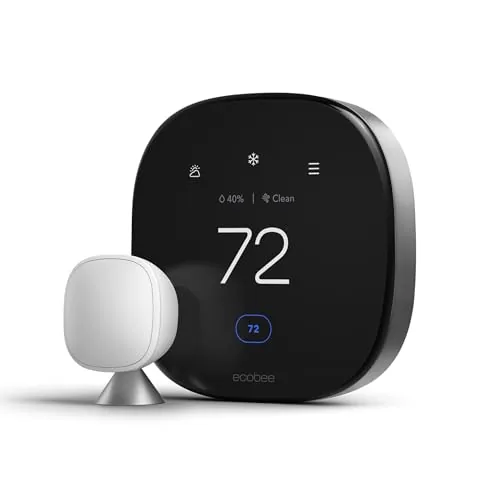
Ecobee Smart Thermostat Premium — ~$200, includes a SmartSensor and the Power Extender Kit that resolves most no-C-wire connectivity issues.
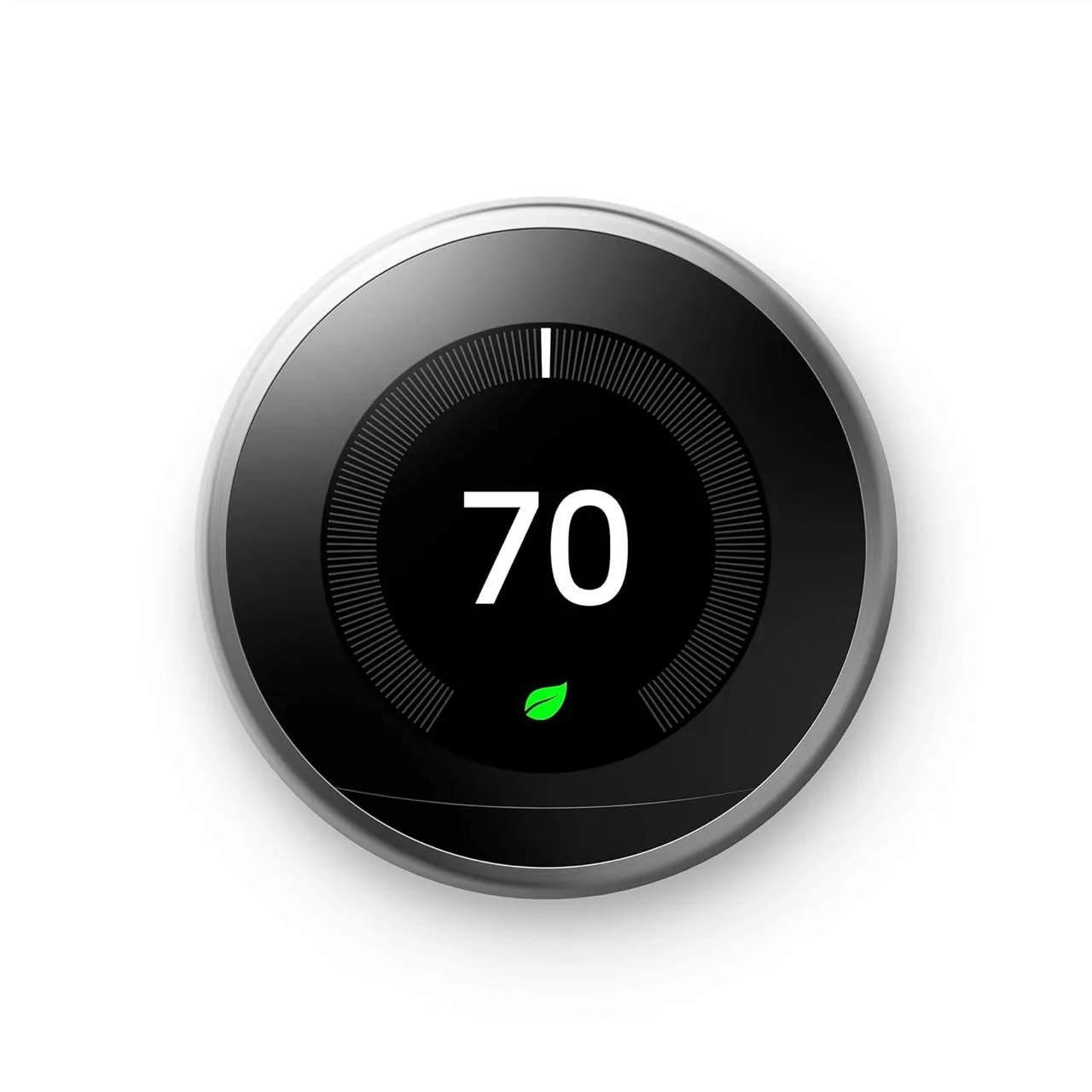
Eco-Premium: Nest Learning Thermostat — ~$130, similar 2.4GHz-only requirement but a different app-level WiFi test flow, worth comparing if Ecobee's networking never stabilizes on your router.
Affiliate Disclosure
EcoHome Intelligence participates in the Amazon Associates program. We may earn a commission from qualifying purchases at no extra cost to you.
Frequently Asked Questions
Q: Why won't my Ecobee connect to WiFi?
A: Almost always because it only supports 2.4GHz networks, not 5GHz, or because power at the thermostat is unstable during the handshake.
Q: Does Ecobee support 5GHz WiFi?
A: No — Ecobee thermostats connect only to 2.4GHz networks. A combined-SSID router needs a separate 2.4GHz name to connect reliably.
Q: What is the Ecobee Power Extender Kit for?
A: It supplies stable power to the thermostat on systems without a spare C-wire, which also prevents the brownouts that cause repeated offline drops.
Q: When should I call an HVAC or network technician?
A: If PEK wiring is confirmed correct and the thermostat still won't hold a WiFi connection after a factory reset, or if you're not comfortable opening the router's admin settings.
Your 5-Minute Ecobee Offline Checklist
- Confirm the router broadcasts a 2.4GHz option.
- Run the onboard WiFi signal test.
- Verify PEK or C-wire wiring at the equipment.
- Check the router isn't blocking the thermostat via MAC filtering.
If signal is strong and power is stable but it still won't hold a connection, the router's device allow-list is the next place to look.
When to Call a Pro
Call an electrician if PEK wiring looks wrong at the control board, or a network technician if router settings are locked down by a managed network you don't control.
For C-wire questions on any brand, see the C-wire checklist.
Mistakes That Create Repeat Callbacks
Assuming 5GHz will work, skipping the onboard signal test, and not checking PEK wiring before blaming the router are the most common reasons a simple WiFi hiccup turns into a multi-day troubleshooting saga.
Slow, labeled troubleshooting beats fast guesswork every time.